Last reviewed: November 2, 2026
Short answer: Before you buy a lifetime deal (LTD), find out how you would leave it. Look for a self-serve export in an open format (CSV, JSON, or standard files), read what the vendor says happens to your data after a shutdown, and test the export inside the refund window. A tool you can leave is a much smaller risk than a tool you are locked into, however good the price is.
Most LTD advice is about whether a tool is worth buying. This post is about the other half: what it costs you to walk away. In October 2026 a well-known product showed why that half matters.
Key facts
- On October 22, 2026, The Browser Company announced it is sunsetting the Arc browser. New Arc accounts stopped that day.
- November 23, 2026: Arc Search on iOS and Android turns off AI features and account sign-in and sync.
- December 15, 2026: last day to request a copy of personal data tied to an Arc account.
- December 22, 2026: Arc stops working on macOS and Windows, accounts are deactivated, and personal data is deleted within 30 days.
- Arc's help center says that after December 22 it can no longer retrieve Arc account data for data requests.
- Arc's history and passwords are stored on the device, so the company says its data copy does not include them. They survive only through an import into Dia or an export before the cutoff.
- Under GDPR Article 20, people in scope can ask for data they provided in a "structured, commonly used and machine-readable format". The EDPB says JSON, XML and CSV qualify, and a PDF is not enough.
- AppSumo's standard refund window on most lifetime deals is 60 days, according to its terms (see our marketplace comparison for the details).
What does the Arc shutdown teach LTD buyers?
Arc is not an LTD. It was a free browser. But its wind-down is a clean, fully documented example of how a product ends, and the pattern is the same for software you paid for once.
Three things stand out.
The timeline is short. Arc gave users about two months from announcement to shutdown. A vendor does not owe you a long runway unless the terms say so.
Your data can disappear on a fixed date. Once accounts are deactivated, the company deletes personal data within 30 days. After that, a support request cannot bring it back.
Good exports come before the end, not after. Arc added an export option and a smoother import into its successor, Dia, while the product was still running. That is the best case: the vendor helped people leave. You should not assume every vendor will.
The lesson for lifetime deals is simple. "Lifetime" means the life of the product, not your own. Our post on why lifetime deals die covers the causes. This post is about being ready for the effect.
Why is an exit plan different from checking if a tool is alive?
Checking whether a tool is alive (releases, changelog, support replies) tells you the odds of a shutdown. An exit plan tells you the damage if it happens anyway. You need both, because no signal is perfect.
A product can look healthy and still change hands. In our post on what happens when the company is sold, lifetime holders ended up with very different outcomes depending on the case, from honored plans to a discount only. In none of those cases did the buyer control the timeline.
An exit plan is cheap insurance because most of it can be tested on day one.
What is the 5-minute exit check?
Run this inside the refund window, ideally in your first week.
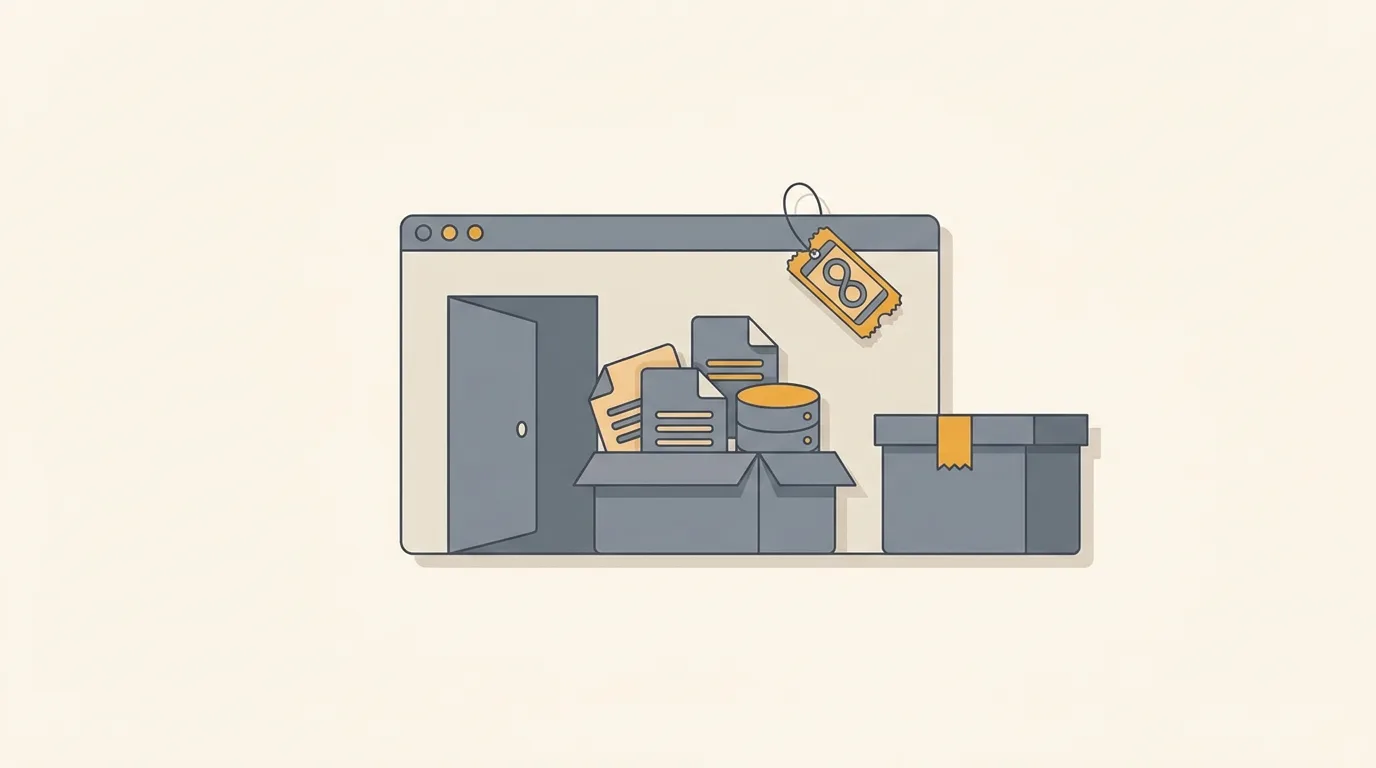
- Find the export. Look in settings for "Export", "Download my data" or "Backup". Note what it covers: only content, or also settings, history, templates and files?
- Run it once. Export a real project, not a demo. Open the file. If you cannot read it without the vendor's own app, that is a warning sign.
- Check the format. CSV, JSON, Markdown, standard image or video files, or a standard database dump are all portable. A PDF report is not an export.
- Check the import on the other side. For many tools, the useful question is whether a competitor can read the file. Search "import from <tool>" in the competitor's docs.
- Read the terms for shutdown language. Look for a notice period, a data retention period after closure, and any refund or credit promise. Many deal pages say nothing, and silence is information too.
If the first two checks fail, treat the deal as a short-term subscription, not an asset. Pay only what you would pay for a few months of use.
Which kinds of tools are easiest and hardest to leave?
Tools differ a lot, so match your caution to the category.
Easier to leave: things built on files you already own. Writing and note tools that export Markdown, link shorteners with CSV export, form builders with response downloads, and email tools that let you export your subscriber list as CSV.
Harder to leave: tools where the value is the structure you built inside. Automation workflows, CRM pipelines, course platforms with member progress, and AI tools trained on your content. Even with an export, the logic often cannot move, so budget time to rebuild.
Hardest to leave: tools whose output lives only on the vendor's servers, such as hosted pages, hosted media, or anything tied to a custom domain or embedded across your site. If it goes dark, your public work goes dark too.
For the harder categories, keep your own copy of the source material outside the tool, and treat the LTD as a convenience layer.
What rights do you have to your data?
It depends on where you live and what the vendor does. If GDPR applies to you, Article 20 gives you a right to receive the data you provided in a structured, machine-readable format, and to have it passed to another provider where technically feasible. The EDPB's guidance for small businesses says this covers data you provided or that was observed from your use, but not data the company generated itself, and that the vendor should answer within one month.
Two limits matter for LTD buyers. The right does not cover everything (your configuration logic, for example, may not count), and it does not help once the vendor has deleted the data. Do not plan around a legal request as your exit. Plan around an export you have already tested.
This is general information, not legal advice. Check your local rules.
How should you use the refund window?
The refund window is the only moment your money is fully protected. The terms differ by marketplace, so check the deal page and our marketplace comparison for the refund and redemption terms of each one.
A practical order for the first 30 days:
- Days 1-3: set up with real data and run the export test.
- Days 4-14: use it for real work and note what breaks.
- Days 15-30: decide. If the export failed or the tool is not in your weekly routine, refund before the window closes.
If you are buying during a sale rush, the same checks fit into our Black Friday checklist.
FAQ
Does a lifetime deal include a guarantee that I can export my data? Not by default. Some tools have a standard export, but a lifetime plan is not a legal promise of one. Check the product's settings and terms before you rely on it.
What happens to my data if a lifetime deal tool shuts down? It depends on the vendor. In the Arc case, the company said it deletes personal data within 30 days after accounts are deactivated and cannot retrieve it afterwards. Other vendors may keep data longer or shorter. Export while the product is still running.
Is a PDF export enough? No. The EDPB's guidance says a PDF is not sufficient for data portability, and in practice a PDF cannot be imported into another tool. Look for CSV, JSON, Markdown or standard files.
Should I skip tools that have no export? Not necessarily. Pay only what you can afford to lose, keep your source material elsewhere, and treat it as a short-term tool. A cheap deal for a low-stakes tool can still make sense.
Sources
- Arc Help Center: Arc Sunset: Key Dates and What to Expect (opens in new tab) (opened November 2, 2026)
- TechCrunch: Arc browser sunsets December 22 as The Browser Company doubles down on Dia (opens in new tab) (October 22, 2026)
- GDPR text: Art. 20 GDPR, Right to data portability (opens in new tab)
- European Data Protection Board: Respect individuals' rights, data protection guide for small business (opens in new tab)
- LTD Explorer: Lifetime deal marketplaces compared